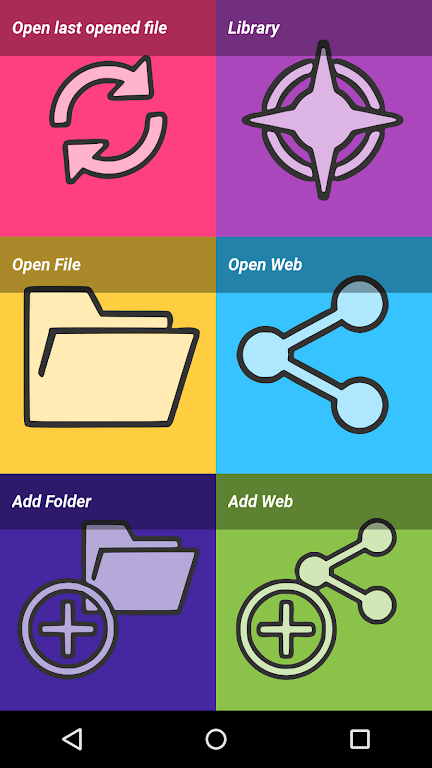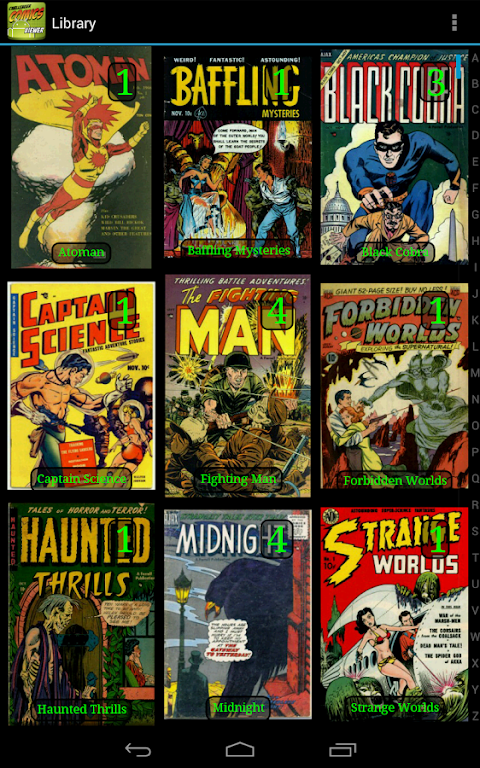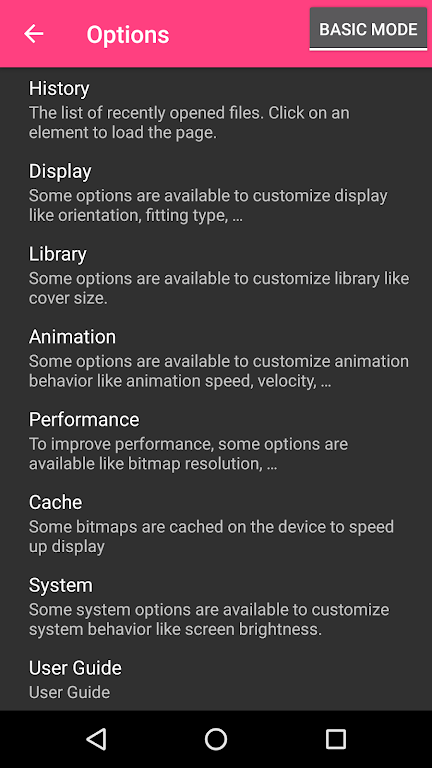
Introducing Challenger Comics Viewer, the premier application for all your comics, manga, books, and PDF viewing requirements. Featuring an intuitive interface and seamless scrolling, this tool makes reading effortless. Enjoy a completely ad-free environment on both phones and tablets. It supports numerous image and book formats, ensuring hassle-free access to your favorite content. With automatic page loading, zoom capabilities, and customizable actions, you maintain full control over your experience. Choose between left-to-right or right-to-left reading directions. Additional features like multiple display modes, image quality filters, and history management make this essential for any dedicated reader.
Features of Challenger Comics Viewer:
- User-Friendly Interface: The app is incredibly easy to navigate. Simply scroll through pages as they automatically load and display, eliminating the need to tap for the next page. This streamlines reading comics and books.
- No Ads: A key highlight is its ad-free experience. Unlike many competitors, enjoy uninterrupted reading without annoying pop-ups or interruptions.
- Perfect for Phones and Tablets: Optimized for both mobile devices and tablets, this app delivers an excellent reading experience regardless of screen size preference.
- Wide Range of File Formats: Supports various image formats including JPG, PNG, GIF, WebP, and BMP. It also handles book files such as PDF, CBZ/ZIP, CBR/RAR, CBT/TAR, CB7/7Z, DjVu, and ePUB, allowing access to a vast library of content.
Tips for Users:
- Customize Actions: Enhance your experience by assigning specific actions to taps, swipes, or other gestures within the app settings.
- Optimize Image Quality: Use filters like Bilinear, Bicubic, and Lanczos4 to improve visual clarity. Experiment with these scale options to find the best fit for crisp and clear visuals while reading.
- Efficient Navigation: Choose your preferred direction (left-to-right or right-to-left). Utilize tap-to-go features for quick page turns, and leverage manual scrolling or autoscroll functions for effortless navigation through content.
Conclusion:
Challenger Comics Viewer is an outstanding choice for comic, manga, book, and PDF viewing. Its intuitive design, ad-free environment, and extensive format support ensure a seamless reading experience. Customizable actions, image filters, and smart navigation options further enhance its appeal. Whether you are a casual reader or a dedicated enthusiast, this app is essential. Enjoy distraction-free reading and elevate your literary journey with Challenger Comics Viewer.