CloudBeats is a flexible cloud music player that lets you stream, organize, and enjoy your music from services like Dropbox and Google Drive. Play MP3, M4A, WAV, and FLAC files online or offline, build playlists, and sync your library with ease. With audiobook support and advanced playback controls, CloudBeats delivers a smooth listening experience wherever you go.
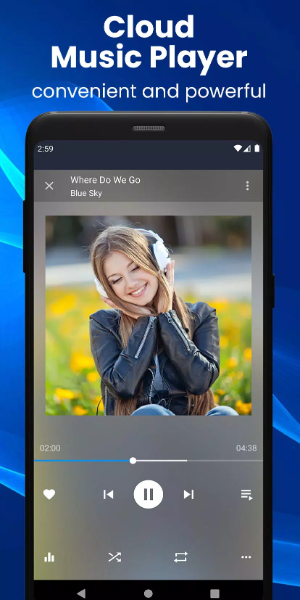
CloudBeats: Your Ultimate Cloud Music Player
CloudBeats is a powerful cloud music player designed to improve how you listen to music. Stream, organize, and play tracks from multiple cloud storage platforms. Whether you're online or offline, this app provides a complete solution for your music library. Create your own personal streaming service with CloudBeats and enjoy full control over your collection anytime, anywhere.
Cloud Music Streaming
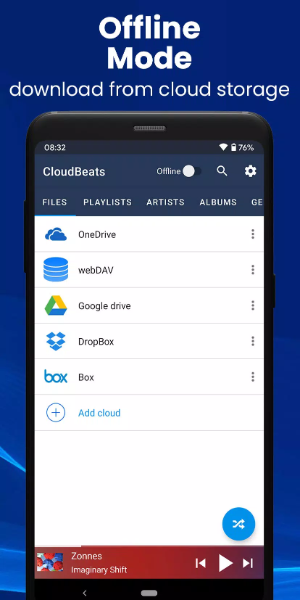
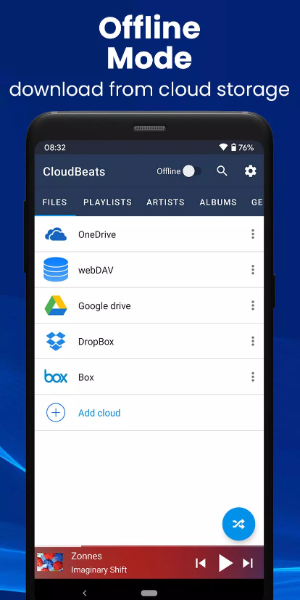
CloudBeats connects with leading cloud services including Dropbox, Google Drive, OneDrive, Box, pCloud, and HiDrive. It also supports personal clouds like ownCloud and NextCloud, as well as NAS devices from Synology, QNAP, and Western Digital via WebDAV. This makes CloudBeats one of the most adaptable cloud music organizers on the market.
Audio Format Support
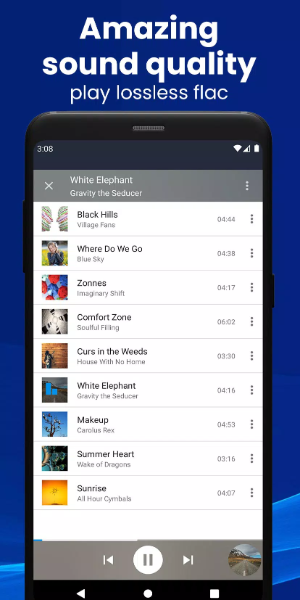
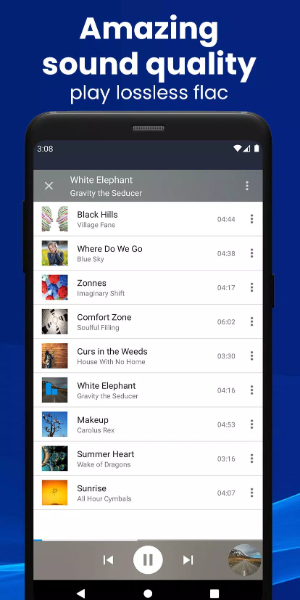
Play a wide range of audio formats such as MP3, M4A, WAV, and lossless FLAC (a Premium feature). This ensures compatibility with nearly every song in your library.
Online and Offline Modes
Listen to music with or without an internet connection. Use the toggle button to switch between offline and online modes, and activate shuffle for a fresh listening order.
Sync Music Libraries
CloudBeats automatically finds music stored on your phone and syncs your libraries, sorting songs by artist, album, and genre.
Create Playlists
Organize your music by creating custom playlists. Add individual files or entire folders, reorder tracks, and listen offline without Wi-Fi.
Download & Sync Music
Upload, download, and sync music across your devices. CloudBeats also supports audiobook formats for offline listening.
Key Features of CloudBeats
-Extensive Cloud Support: Works with most cloud services, personal clouds, and servers.
-Offline Playback: Download albums, playlists, folders, or files to listen offline (Premium feature).
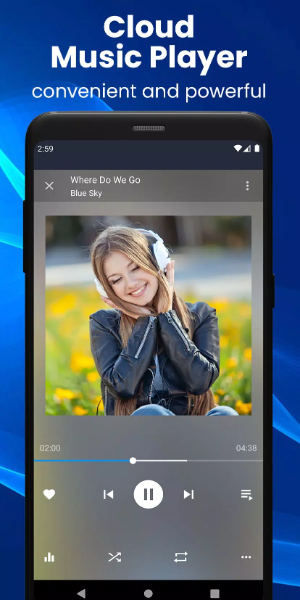
-Advanced Playback Options: Includes repeat all, repeat one, and shuffle modes. Use the equalizer to adjust bass and treble, and control playback speed from 0.5x to 3.0x (Premium feature).
-Sleep Timer: Set a timer to automatically stop playback after a set period.
-Favorite Playlist: Quickly access your most-loved tracks by adding them to a favorites playlist.
-Casting: Cast music to Chromecast devices, compatible speakers, or TVs without losing audio quality.
-Android Auto: Fully integrated with Android Auto for safe, seamless listening in your car.
-Ad-Free Experience: Enjoy music without interruptions from ads.
Premium Features
-Upgrade with a one-time purchase to unlock advanced capabilities:
-Unlimited Cloud Connections: Link multiple cloud accounts for unlimited streaming.
-FLAC Format Support: Play high-fidelity, lossless FLAC audio files.
-Advanced Playback Speed Control: Adjust playback speed between 0.5x and 3.0x.
-Enhanced Casting Options: Cast to compatible devices for superior sound quality.
-Offline Downloads: Download songs, albums, playlists, and folders for offline listening.
Conclusion:
CloudBeats is the perfect choice for audiophiles and music lovers who want their music everywhere. With extensive cloud integrations, offline functionality, and a rich set of features, CloudBeats is the only app you need to organize, stream, and enjoy your personal collection. Download CloudBeats today and elevate your music experience.