Key Features of ComicScreen - PDF, ComicReader:
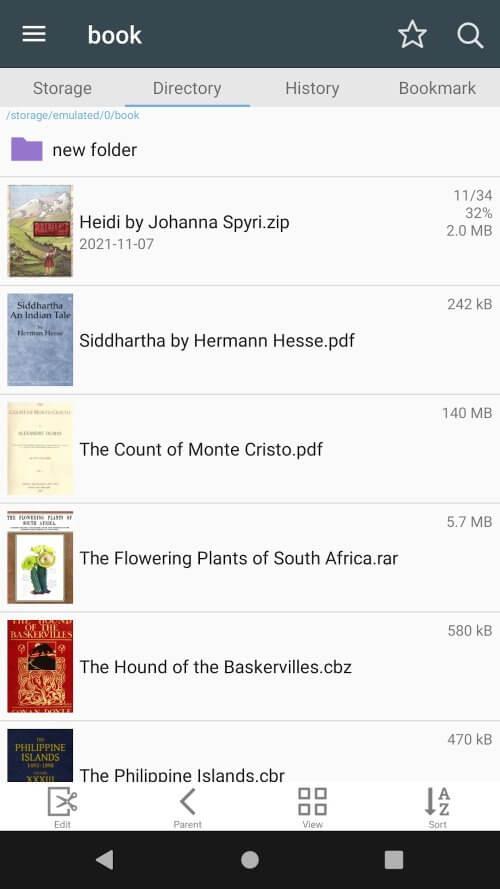
> Extensive Format Support: Handles compressed archives (zip, rar, cbz, cbr) and PDF documents effortlessly, giving you complete access to your digital library.
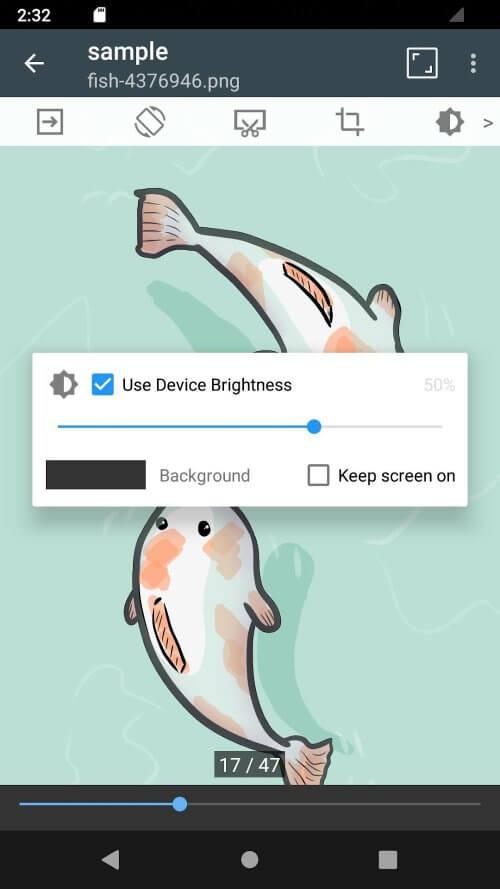
> Multi-Image Compatibility: Supports common image formats including jpg, png, gif, bmp, tiff, webp, and avif for a smooth viewing experience across your entire collection.
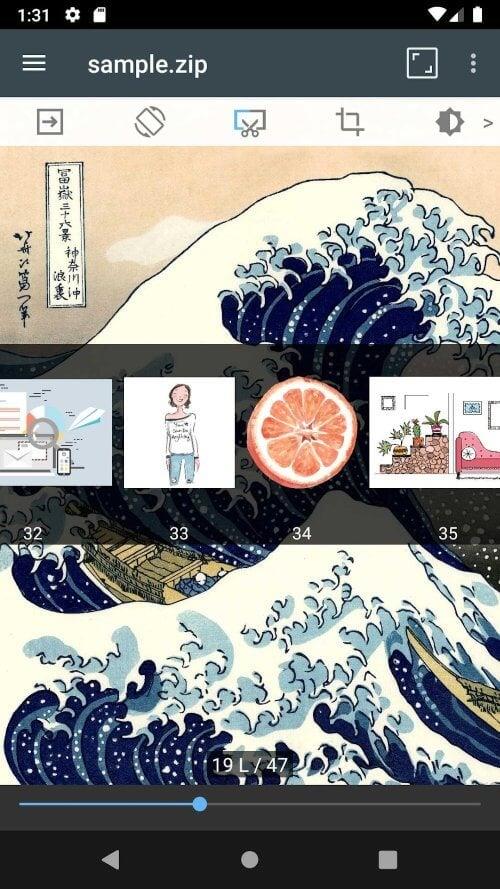
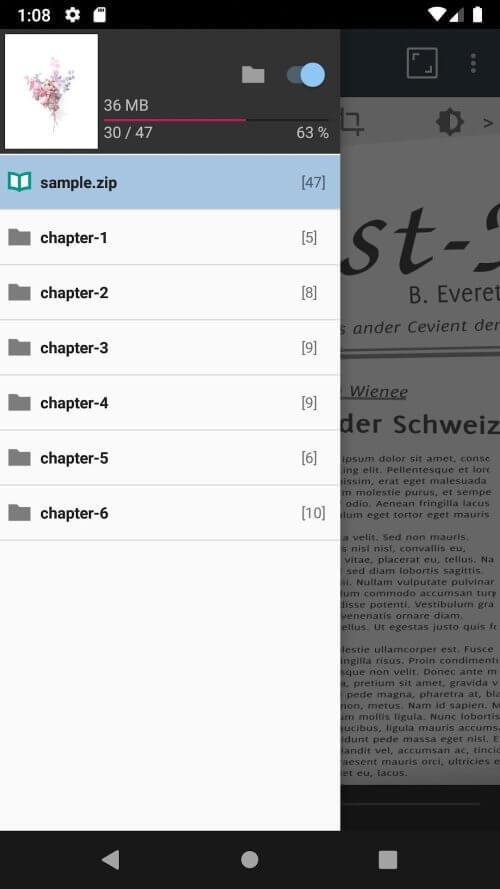
> Enhanced Functionality: Offers powerful tools like file management, network access (SMB/FTP), USB-OTG support, drag-and-drop organization, fluid page turning, bookmark previews, and quick archive viewing.
Helpful Usage Tips:
> Optimize File Management: Use the built-in explorer's search, rename, and delete functions to keep your comic and PDF library perfectly organized.
> Streamline Organization: Take advantage of drag-and-drop functionality to quickly rearrange files and folders within the app.
> Customize Your View: Experiment with horizontal (dual-page) and vertical (single-page) viewing modes to find your ideal reading setup.
Final Thoughts:
ComicScreen - PDF, ComicReader provides exceptional versatility with its wide format support and robust feature set. The intuitive interface combined with smooth navigation makes it an essential tool for comic book and PDF lovers who want effortless access to their digital collections.