Effortlessly download files from any URL. Easily install, manage, and remove files with seamless functionality.
Downloader by AFTVnews is a completely free, donation-supported application designed to simplify downloading files from webpages directly to your Fire TV, Android TV, or Google TV—just paste the URL and you're ready to go.
Key Features:
-- Instantly download files to your device by entering their direct URL.
-- Explore websites via the integrated browser and download content effortlessly.
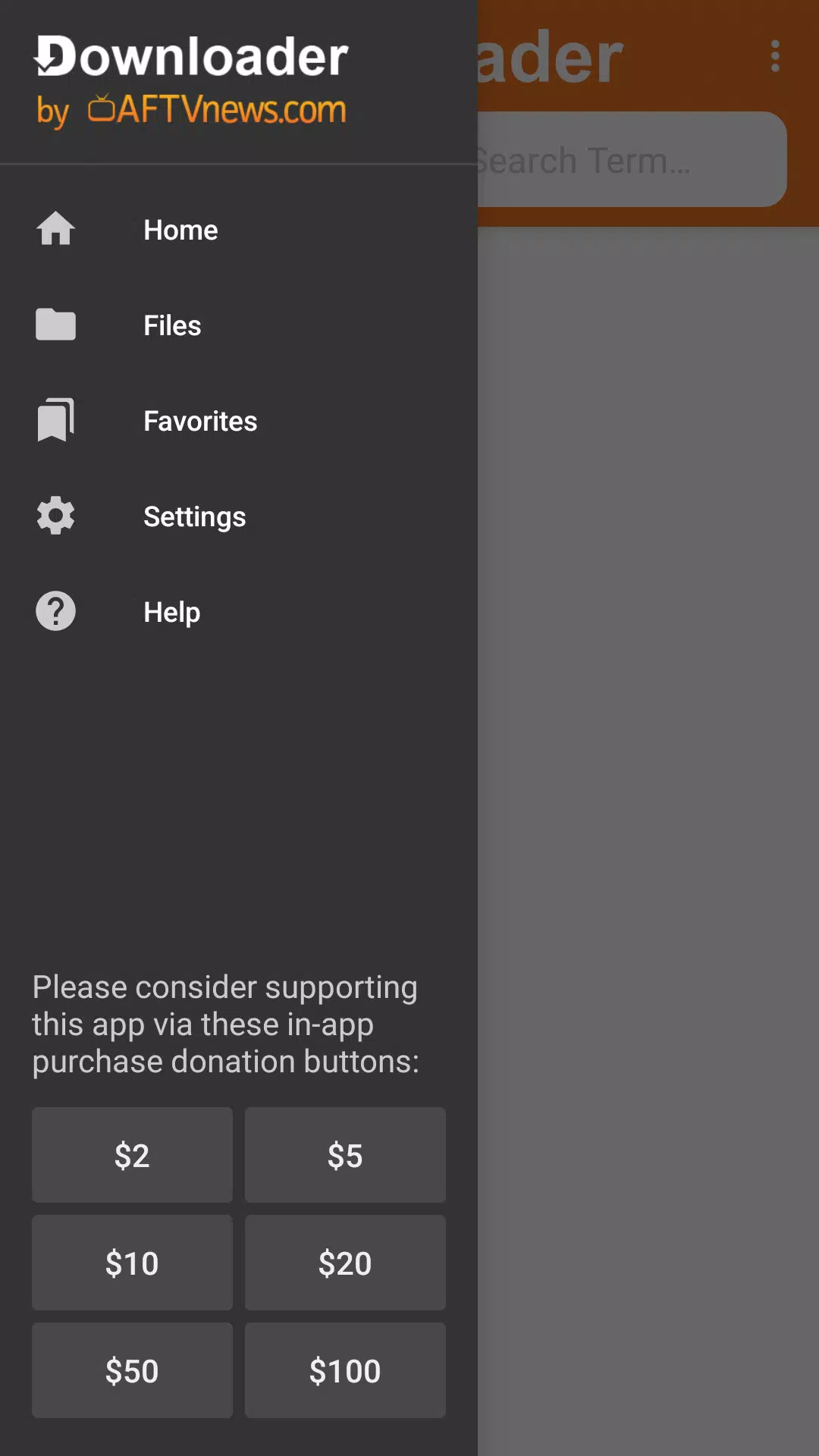
-- Download, organize, install, or delete files with minimal clicks.
-- Navigate websites smoothly using your Fire TV remote or game controller—no mouse or keyboard required.
-- Save time with customizable favorites/bookmarks for quick access to frequently visited URLs.
-- Completely free with no hidden costs
How Does Downloader by AFTVnews Work?
Launch the app and either enter a direct file URL from the home screen or browse websites using the built-in browser to download files seamlessly.
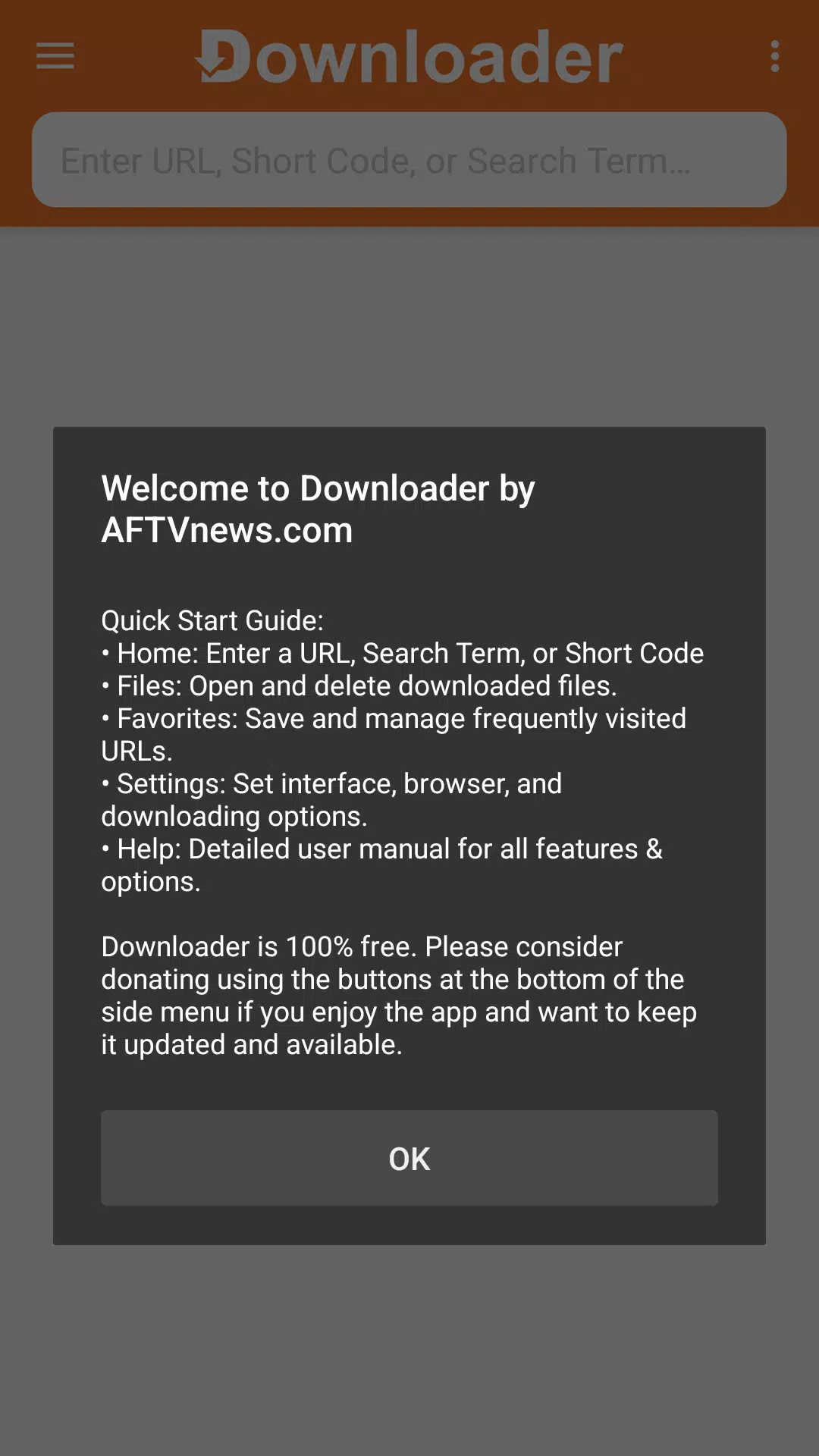
-- Home Screen: Download files instantly by pasting their URLs.
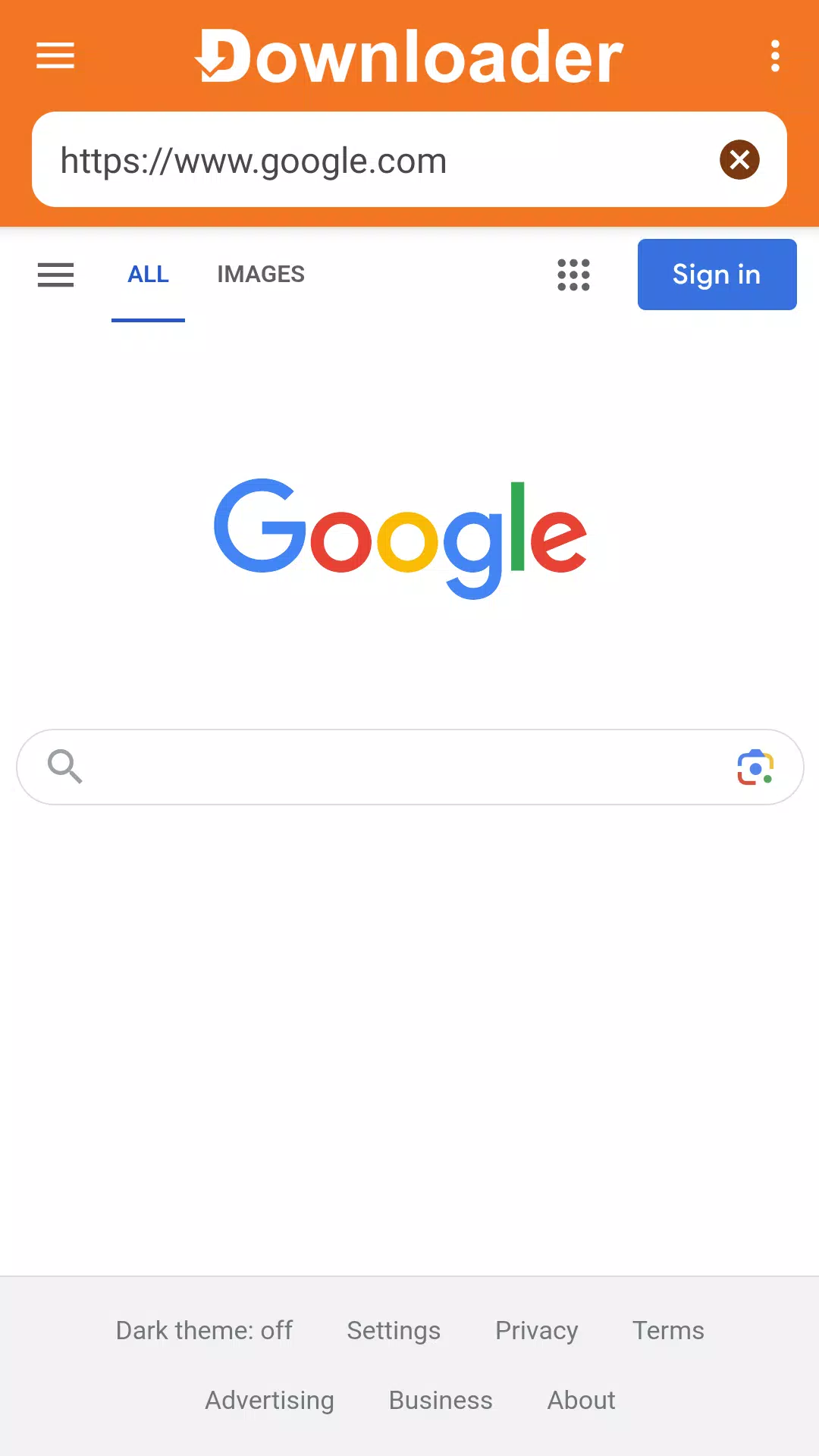
-- Built-in Browser: The app features a fully functional browser for web navigation and downloads. To activate it, sideload the Downloader Browser Plugin by entering browser.aftvnews.com in the home screen URL field.
Downloader empowers Android TV users to effortlessly fetch files from the web. Choose between direct URL downloads or sideloading the browser plugin for website file access. The browser plugin is optimized for remote controls and gamepads, eliminating mouse/keyboard dependencies. Enjoy full-screen browsing, zoom capabilities, and instant favorites access. Once downloaded, use the built-in file manager to open, install (for APKs), or remove files with ease.
What's New in Version 1.5.1-ForGoogleAndroidDevices
Last updated on Aug 14, 2024
Minor bug fixes and performance enhancements. Update now for the best experience!