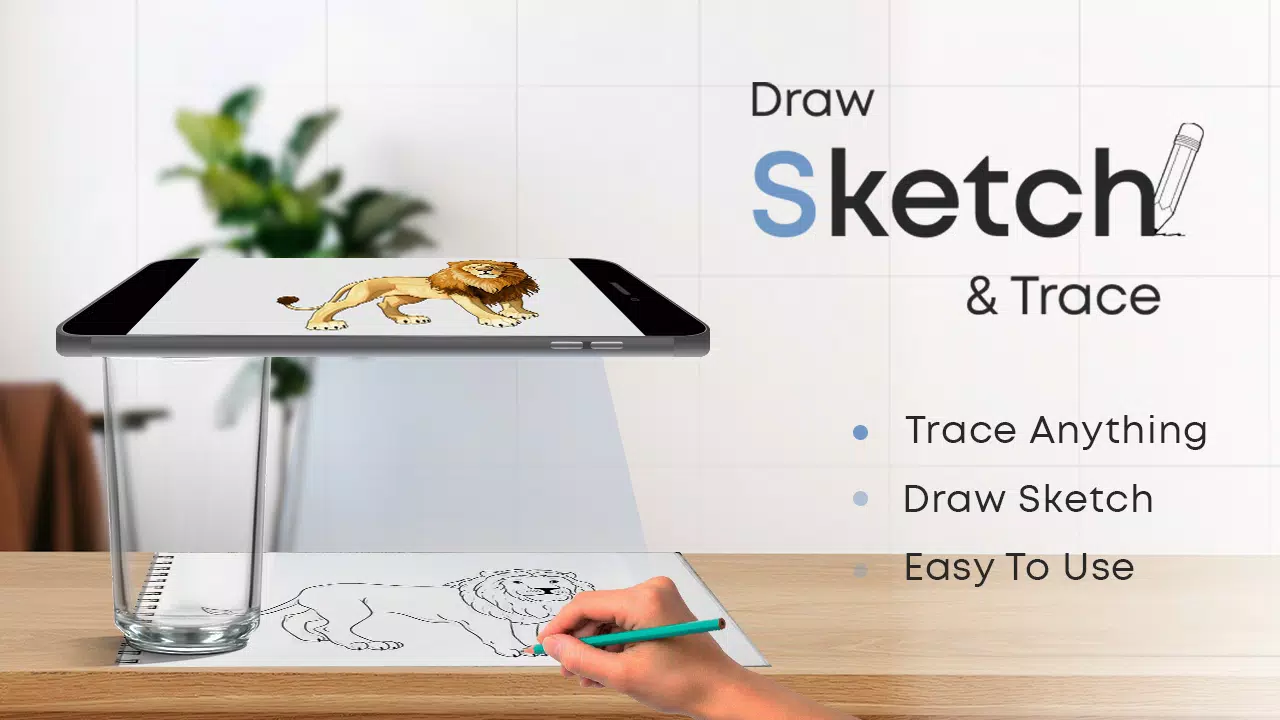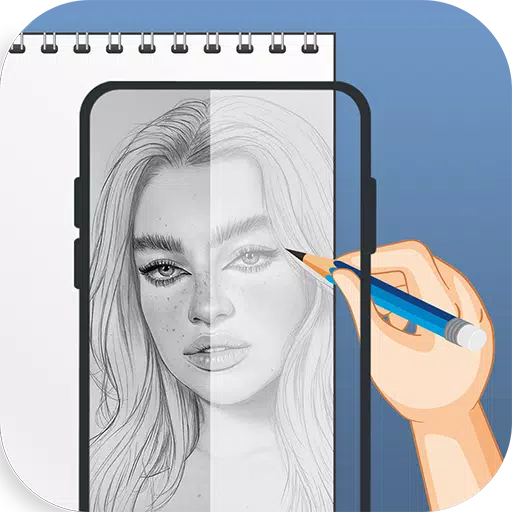
Elevate your device on a glass surface and begin your artistic journey with the Draw Sketch & Trace App.
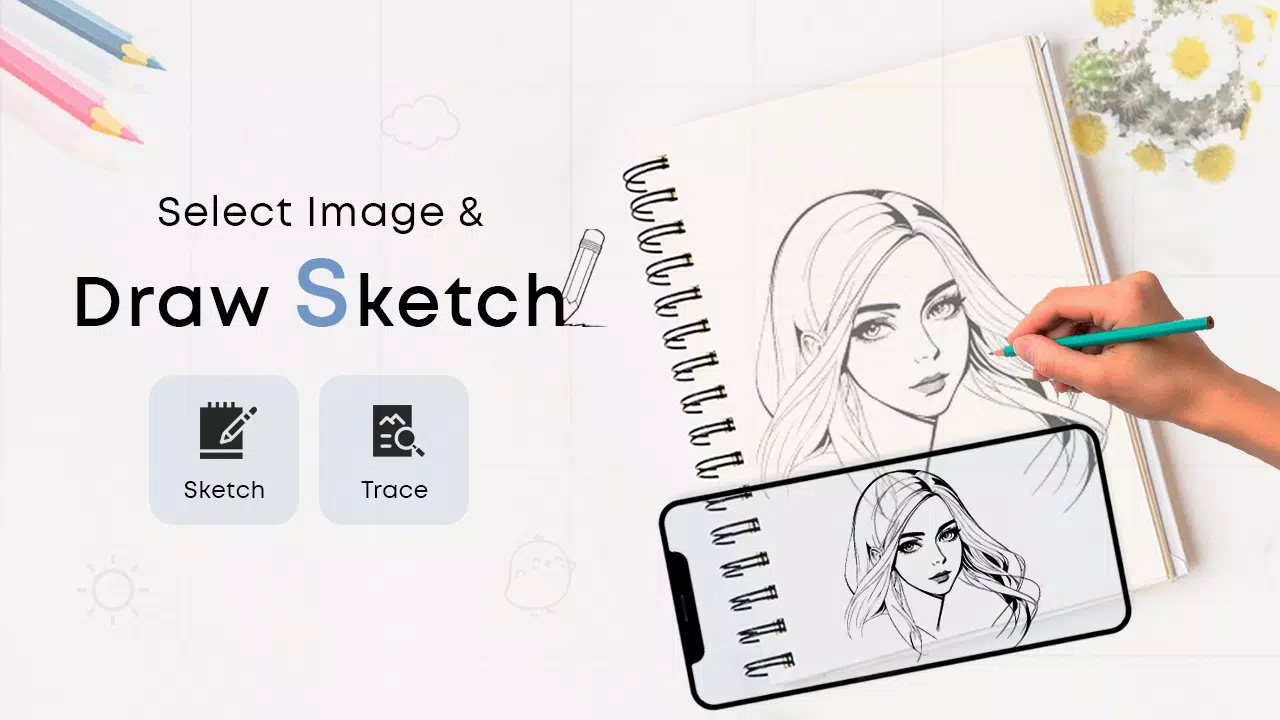
The Draw Sketch & Trace App simplifies learning to sketch or draw. Start by selecting a photo or image and tracing directly over it. The app offers an extensive library of objects, allowing you to learn tracing with a single tap. Position your device on a glass or tripod, then adjust the image's brightness, contrast, rotation, and lock it in place to start tracing line by line.
Welcome to Sketch AR and AR Drawing – your ultimate creative partner. Unleash your artistic potential where imagination seamlessly blends with advanced technology.
Fulfill your ambition of becoming a sketch artist with the Draw Sketch & Trace App. Designed for effortless learning, it helps you master sketching, drawing, and tracing using your smart device. Key features include on-screen photo customization, import from gallery or camera, adjustable trace colors, and personalized brightness settings. It's the premier tool to effortlessly begin your sketching and tracing adventure.
How to begin a sketch:
* Tap the sketch button to explore the object collection
* Choose an object from the collection, your gallery, or your camera
* Import your chosen object and resize it as needed
* Set the brightness to your preference
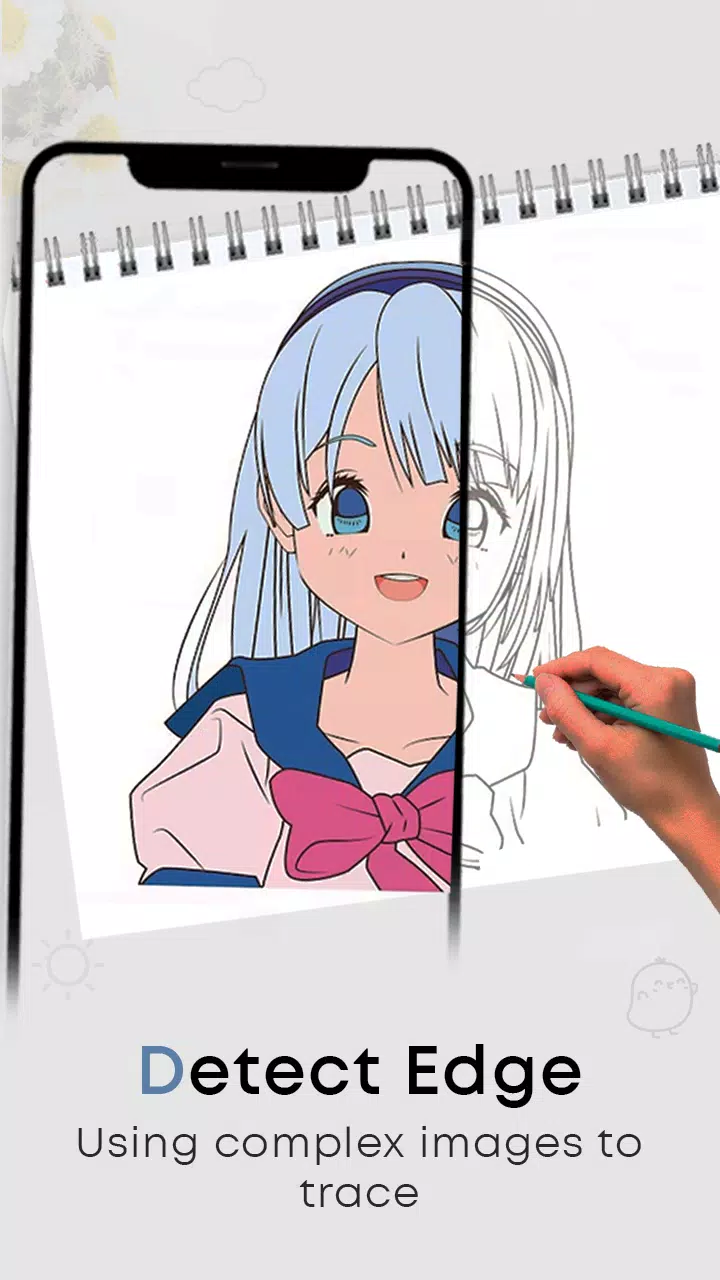
* Use the bitmap tool to remove the white background, making your object transparent on screen
* Rotate the image and activate the flashlight for dark environments
* Lock your device screen and begin sketching the image line by line
* Transfer the design onto paper simply by following the traced lines
How to get proficient in tracing:
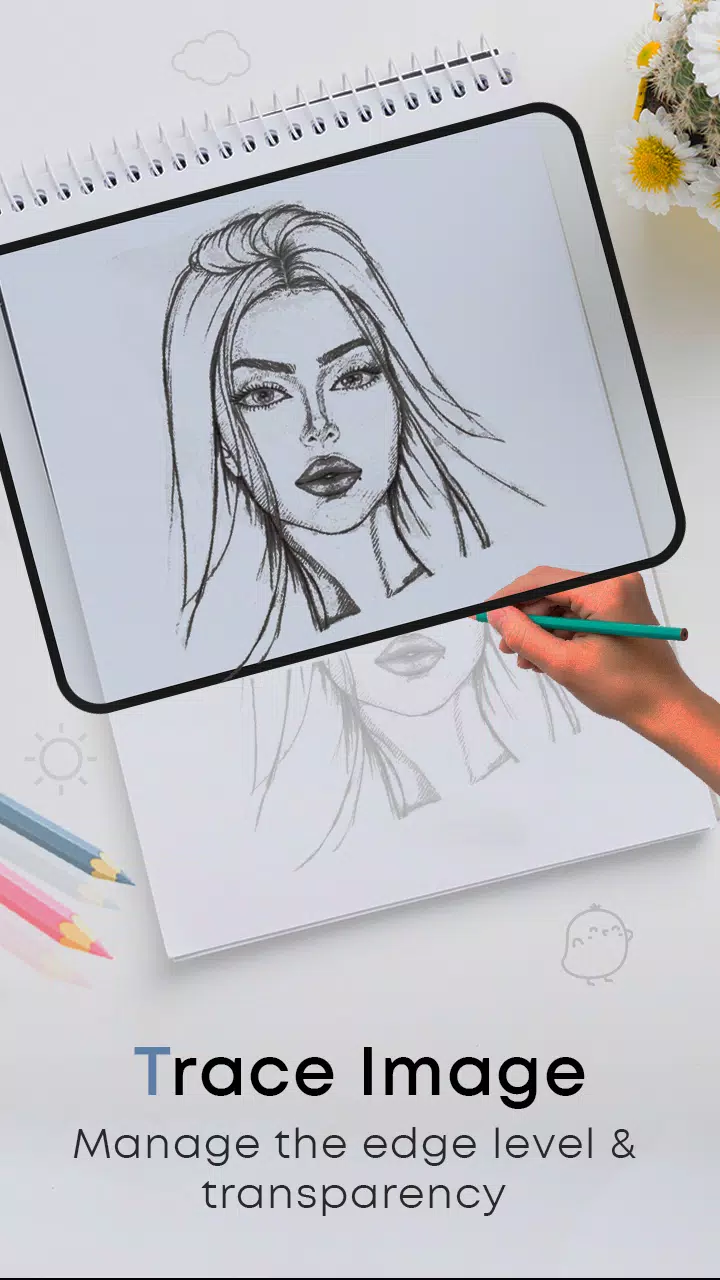
* Tap the trace button and pick an object from the diverse collections
* You can also import images directly from your camera or gallery
* Resize the item to fit your canvas
* Select a background color from a wide palette
* Rotate and lock the image for a clear tracing guide
* Adjust the object's brightness and your device's screen brightness independently
* A simple, effective method for learning to trace any image or object
FEATURES:
- Draw, Sketch, and Trace to enhance your drawing abilities
- Learn the art of sketching with this dedicated app
- A wide variety of objects for step-by-step tracing practice
- Trace or sketch instantly captured images or imports from your photo gallery
- Essential tools: screen lock, image rotation, brightness adjustment, and flashlight
- Utilize the bitmap tool to easily remove white backgrounds during sketching
- The best app to learn and practice art effectively
- Attractive and intuitive User Interface design
What's New in the Latest Version 24.0
Last updated on Jan 23, 2024
Minor bug fixes and improvements. Install or update to the newest version to check it out!