
Fl Studio - Music Mobile
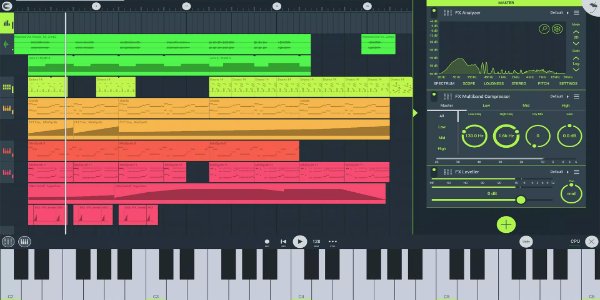
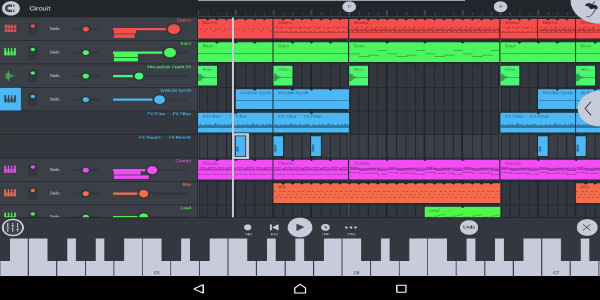
Fl Studio - Music Mobile is a robust music production application tailored for mobile devices. It empowers users to compose, edit, and mix tracks while on the move, serving as an essential tool for musicians and producers seeking flexibility in their workflow. Today, it stands out as one of the leading music creation apps available.
Key Features of Fl Studio - Music Mobile
This application is loaded with professional-grade tools designed to simplify the music creation process. Key features include:
- A vast library containing sounds, loops, and samples for crafting unique musical arrangements.
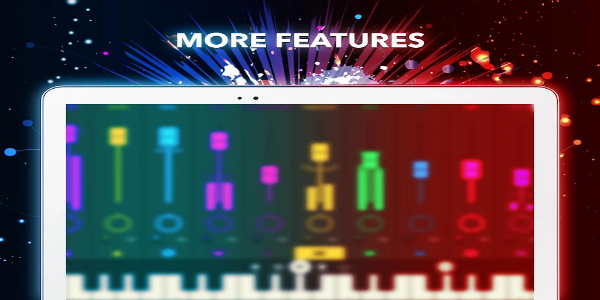
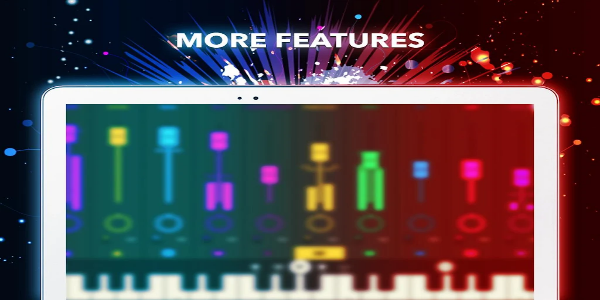
- A multi-track mixer that provides precise control over volume, panning, and effects for every individual track.
- An intuitive step sequencer ideal for programming drum beats and rhythmic patterns.
- A detailed piano roll editor allowing for the manipulation of MIDI notes to build complex melodies and harmonies.
- A suite of built-in audio effects such as reverb, delay, and distortion, applicable to single tracks or the entire mix.
- Compatibility with external hardware like MIDI controllers and audio interfaces, expanding creative potential.
Advantages of Using Fl Studio - Music Mobile
Musicians and producers benefit significantly from using Fl Studio - Music Mobile. Its primary advantage is the ability to work on projects anywhere, eliminating the need for a fixed studio setup. This mobility ensures that inspiration can be captured instantly, accelerating project completion. Furthermore, its comprehensive toolset allows users to produce high-quality audio without investing in expensive hardware or software. The intuitive design also makes it accessible to both novices and seasoned professionals, letting creators focus on artistry rather than technical hurdles.
With its blend of flexibility, cost-effectiveness, and ease of use, Fl Studio - Music Mobile is an outstanding option for anyone aiming to produce professional music while traveling or working remotely.
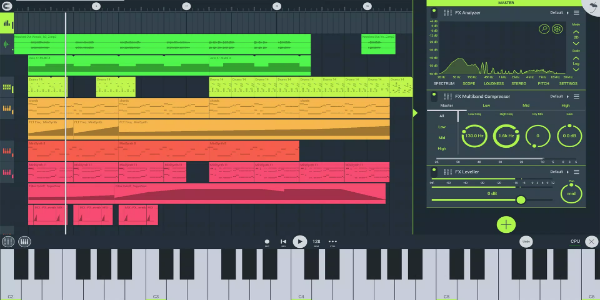
Getting Started with Fl Studio - Music Mobile
Begins your journey easily by downloading the app from your device's official store, such as Google Play or the Apple App Store. After installation, launch the application and explore its interface to understand the various menus and settings. To start a new project, select an empty template or choose from numerous pre-designed options provided within the app. You can then populate your project with sounds from the built-in library or import custom audio files. Experiment with different effects and parameters until you achieve the desired sonic result. Once satisfied, export your track as an MP3 file or share it directly in the community forums for feedback.
Download Instructions
1. Download the APK: Retrieve the Tv Privado APK from a reliable source like 40407.com.
2. Enable Unknown Sources: Navigate to your device's security settings and allow installations from unknown sources.
3. Install the App: Locate the downloaded file and follow the on-screen prompts to complete installation.
4. Launch: Open the application and begin using it.
Starting with Fl Studio - Music Mobile is straightforward and enjoyable. By following these steps, you will quickly be producing professional-grade music wherever you are.
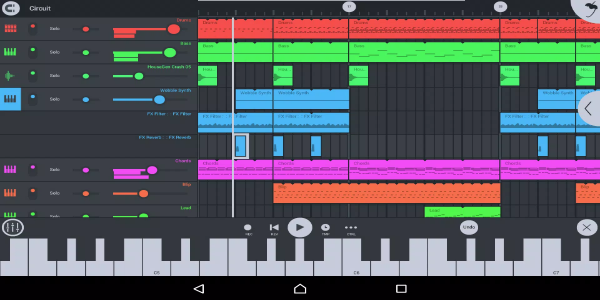
Begin Your Musical Journey with Fl Studio - Music Mobile Today!
Fl Studio - Music Mobile is a versatile and potent music production tool offering extensive features for creating studio-quality tracks on mobile devices. Its user-friendly design and rich sound library make it the perfect choice for artists who wish to compose, edit, and mix their work anytime and anywhere.