Jetpack Joyride Racing offers a new twist on the Barry Steakfries saga, delivering fast-paced ship racing featuring wall boosts and special ability zones. While designed for touch screens, playing on PC with BlueStacks improves the experience—providing sharper graphics, consistent performance, tighter controls, and smooth gameplay. In this guide, we'll show you how to install and run Jetpack Joyride Racing on your PC using BlueStacks, so you're fully prepared for every race mode.
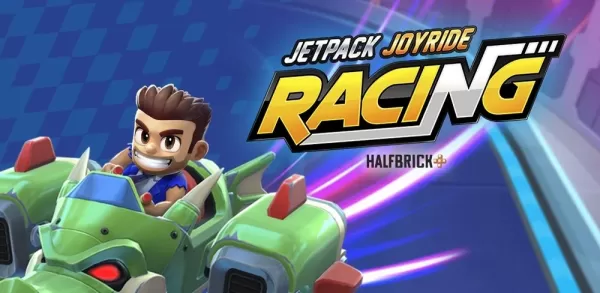
Jetpack Joyride Racing is built for rapid arcade-style races—and BlueStacks on PC fully delivers that vision. Enjoy sharper visuals, faster response times, and expanded screen real estate for the complete thruster-fueled competition. Install BlueStacks, pre-order or join the Jetpack Joyride Racing beta, and dive into the action just as Halfbrick envisioned—straight from your PC or laptop.