
Advanced security with gesture unlock
Comprehensive format compatibility
Other advanced features
Conclusion
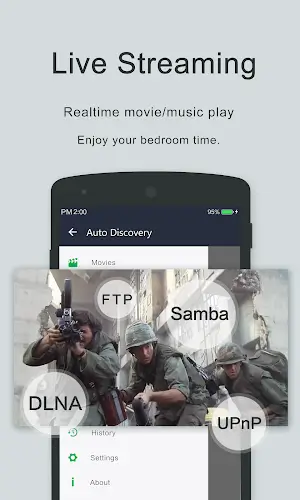
OPlayer is a state-of-the-art media player designed for Android, celebrated for its versatility and powerful capabilities. Recognized as one of the top HD video players for smartphones and tablets, it offers extensive support for formats like MKV, MP4, M4V, AVI, MOV, 3GP, FLV, WMV, RMVB, TS, and more. Beyond standard playback, OPlayer enhances privacy with its Gesture Unlock feature while delivering seamless Ultra HD streaming via hardware acceleration. Featuring multitasking, Chromecast support, and robust file management, it serves as a premium music player too, redefining the Android media landscape.
Advanced security with gesture unlock
In the world of Android media players, OPlayer demonstrates exceptional sophistication. Its standout feature is Gesture Unlock for Video Security, which allows users to protect content using a unique swipe pattern. This innovation addresses growing privacy concerns by securing sensitive files without compromising ease of use. While features like Chromecast integration and multitasking are impressive, Gesture Unlock truly distinguishes OPlayer, highlighting its dedication to user security and cementing its status as a leading choice in the market.
Comprehensive format compatibility
OPlayer excels due to its broad support for diverse video formats. It handles MKV, MP4, M4V, AVI, MOV, 3GP, FLV, WMV, RMVB, TS, and others seamlessly, eliminating the need for conversion. This inclusivity ensures users can enjoy their content immediately across all devices. By supporting such a wide array of formats, OPlayer provides an effortless media experience, allowing audiences to indulge in varied video types with unmatched convenience.
Other advanced features
- Ultra HD video playback: Experience stunning 4K clarity with hardware-accelerated Ultra HD support for smooth rendering.
- Chromecast integration: Cast videos directly to your TV for an immersive home theater experience on larger screens.
- Subtitle downloader and more: Easily access subtitles within the app, enhancing convenience for multilingual or hearing-impaired viewers.
- Multitasking capabilities: Utilize pop-up windows, split-screen mode, and background playback to watch videos while using other apps.
- Night mode, quick mute & playback speed control: Customize your viewing with night mode for low light, instant muting, and adjustable playback speeds.
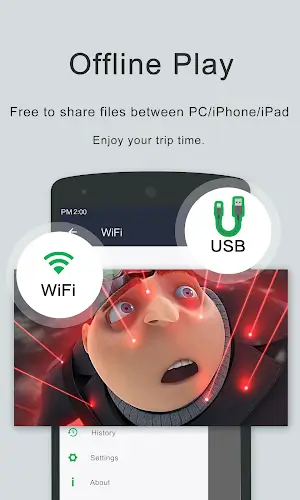
- Comprehensive file management: Manage, move, cut, paste, and share files directly within the app using its built-in file manager.
- Audio playback excellence: Enjoy high-quality music with support for WMA, FLAC, MP3, OGG, MIDI, AMR, AAC, DTS, and M4A formats.
- User-friendly interface: Intuitively control volume, brightness, and progress by sliding on the screen.
Conclusion
OPlayer exemplifies the advancement of Android media playback. Its blend of security, versatility, and user-focused tools makes it essential for anyone seeking a rich multimedia experience. Whether streaming video, listening to music, or organizing your library, OPlayer sets a new benchmark for excellence in mobile entertainment.