故障排除 漫威竞争对手 错误代码:综合指南
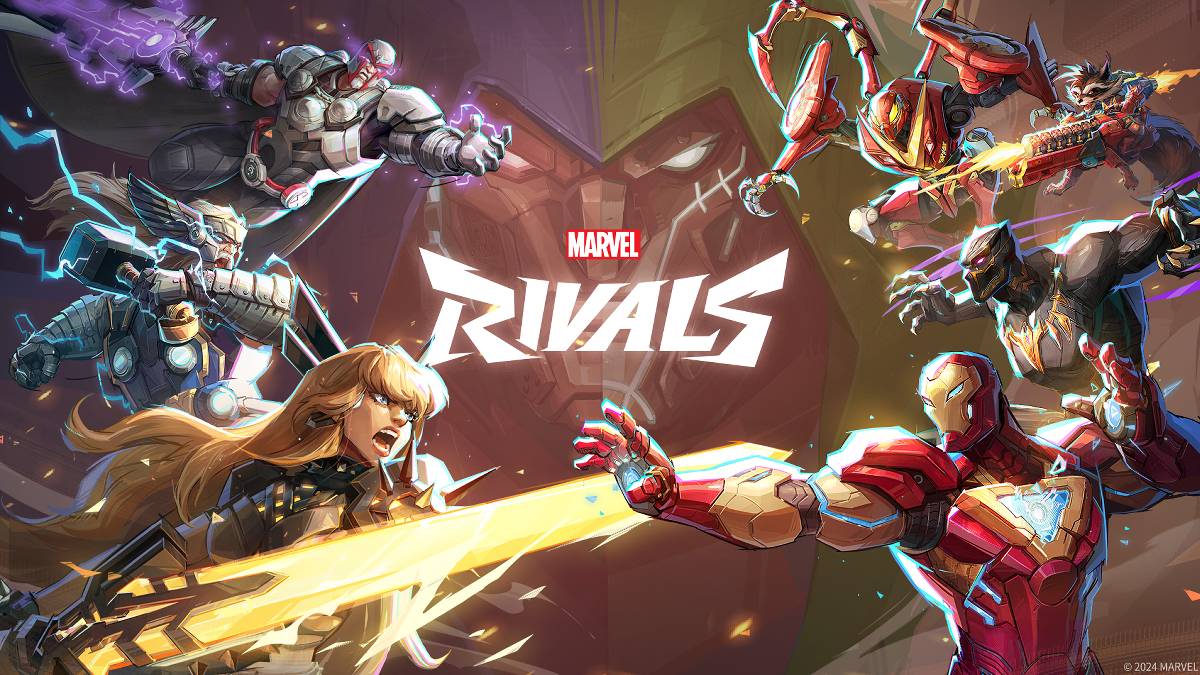
现代游戏不可避免地涉及错误和错误代码,而 Marvel竞争对手 也不例外。本指南提供了针对玩家遇到的常见错误代码的解决方案。这些错误的范围可能从完全阻止游戏玩法到导致崩溃,滞后或口吃。
常见 奇迹竞争对手 错误代码和解决方案:
| Error Code | Description | Troubleshooting Steps |
|---|---|---|
| Error 4 | Frequently appears on PlayStation, but may also occur on PC. | 1. Verify internet connection stability. 2. Check *Marvel Rivals* server status. 3. Restart the game. |
| 99% Loading Bug | Players become stuck at 99% during match loading. | 1. Check internet connection. 2. Close unnecessary background applications. 3. Adjust Network Diagnostic Settings. |
| Error 211 | Common on Steam, indicating connection problems. | 1. Check server status. 2. Disable third-party server blockers. 3. Verify internet connection. 4. Verify game files integrity. |
| Error 10 | Appears on launch, usually due to poor internet connection. | 1. Check internet connection. 2. Restart *Marvel Rivals*. 3. Check server status. |
| Error 220 | Potentially caused by server location or firewall settings. | 1. Adjust security firewall settings. 2. Modify DNS settings. 3. Disable third-party server blockers. 4. Consider using a VPN. |
| Error 21 | Sometimes encountered by Xbox players on launch. | 1. Restart your console. 2. Reset your router. 3. Check server status. 4. Disable IPv6 on your internet connection. 5. Consider using a VPN. |
| Error 5 | Specific to PlayStation players; indicates high ping and packet loss. | Address high latency and packet loss issues. Check internet connection. |
| Error 26 | Prevents gameplay. | 1. Check internet connection. 2. Disable your VPN (if used). 3. Clear cache files. 4. Verify game files. |
| Packet Loss Error | High ping and packet loss due to high latency. | 1. Check internet connection. 2. Close unnecessary background applications. 3. Adjust Network Diagnostic Settings. |
| DX12 Not Supported | Game fails to launch due to DX12 incompatibility (often Windows update or GPU issues). | 1. Update to the latest Windows version. 2. Update your GPU drivers. 3. Reinstall *Marvel Rivals*. |
| Error Code 258 | Login failure via PC launcher (often Epic Games Store). | Consult Epic Games Store support for troubleshooting. |
| Error LS-0014 | Occurs on Epic Games Store. | 1. Check antivirus software. 2. Verify game files. 3. Reinstall the game. |
| Igniting the Timestream | Encountered during matchmaking. | 1. Check server status. 2. Restart the game. 3. Check internet connection. |
| Version Mismatch | Appears after game updates. | 1. Verify game files. 2. Check for and install updates. |
3 \。检查互联网连接。
2。更新您的GPU驱动程序。
3。关闭不必要的背景应用程序。
2。较低的图形设置。
3。运行Windows内存诊断工具。
2。检查Internet连接。>>许多错误源于连接问题。确保稳定的Wi-Fi连接并重新启动设备通常是有效的第一步。
- Marvel竞争对手*目前可在PS5,PC和Xbox系列X | S上找到。