A set of OEX-compatible chess engines for integration with chess GUI applications.
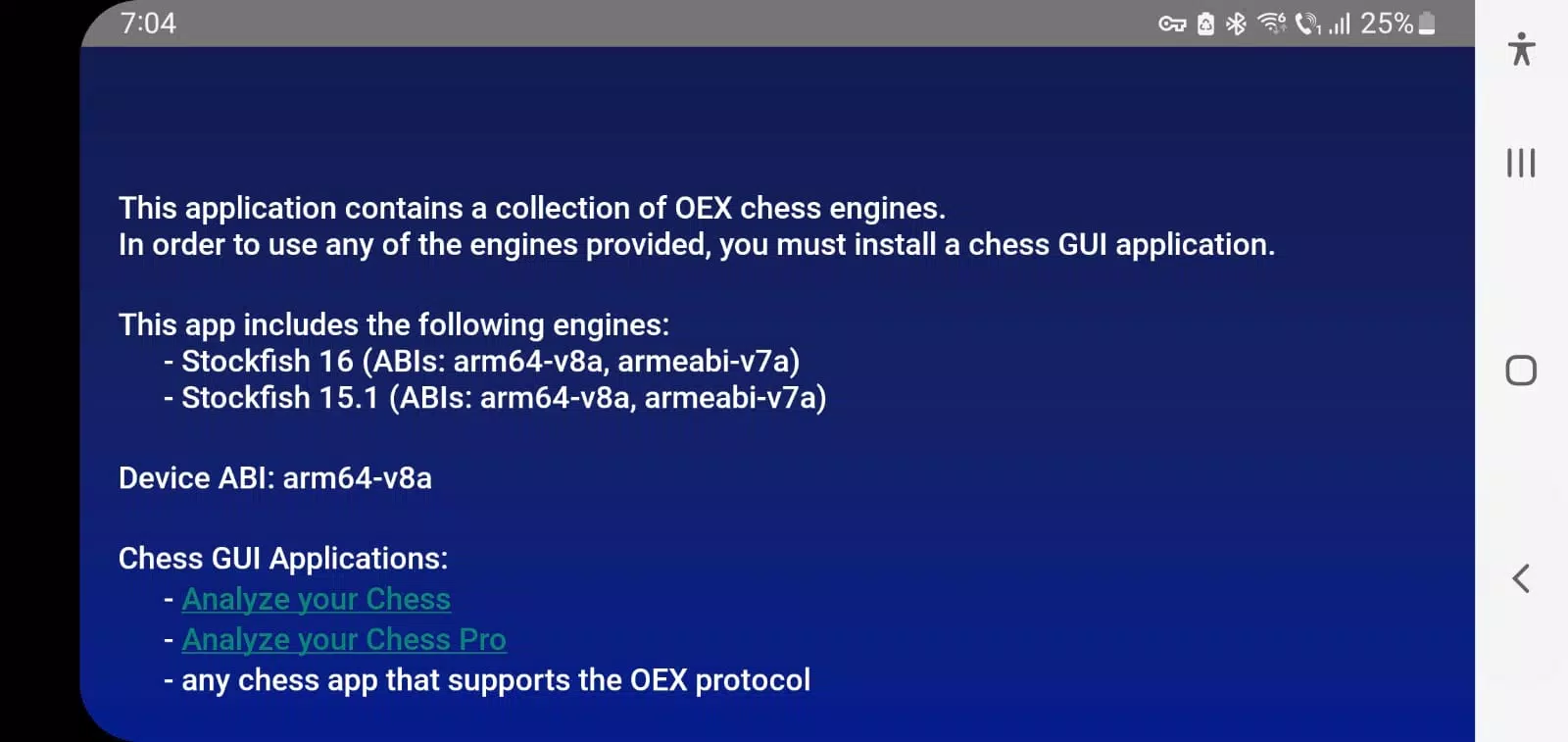
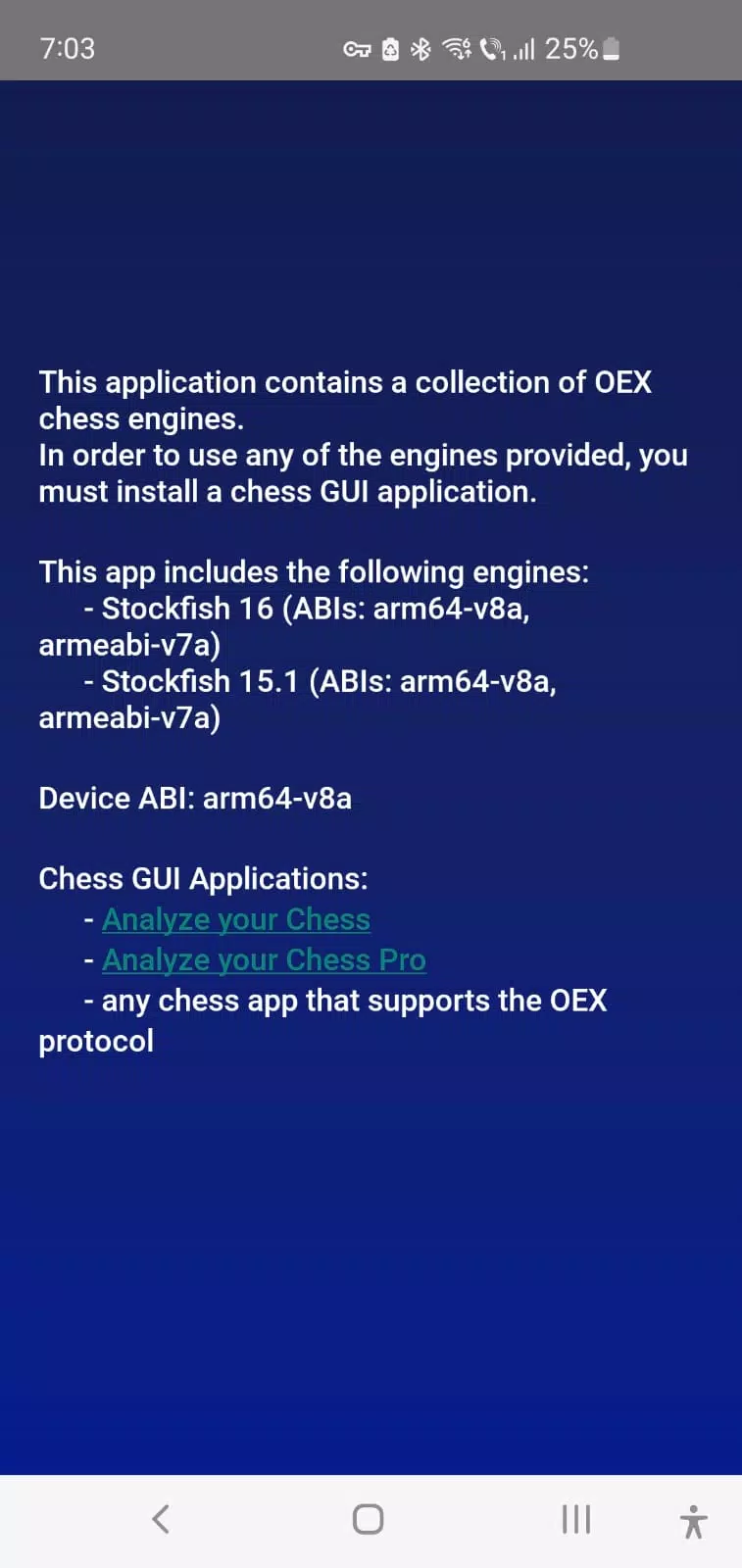
The Chess Engines app is designed to work alongside a chess GUI application and is not a standalone product.
It features no graphical interface, acting purely as a compilation of chess engines.
These engines can be used by any Android chess application that supports the OEX (Open Exchange) protocol for interacting with chess engines.
The application includes native executables for the following open-source chess engines:
• Stockfish 17 - https://stockfishchess.org/blog/2024/stockfish-17/
• Stockfish 16.1 - https://stockfishchess.org/blog/2024/stockfish-16-1/
• Clover 7.0 - https://github.com/lucametehau/CloverEngine
Recommended Chess GUI apps:
• Analyze your Chess (free) - https://play.google.com/store/apps/details?id=com.lucian.musca.chess.analyzeyourchess&hl=en
• Analyze your Chess Pro (paid) - https://play.google.com/store/apps/details?id=com.lucian.musca.chess.analyzeyourchess.pro&hl=en
To use the chess engines with the recommended GUIs, go to the Engine Management Screen > Overflow Menu > Install Open Exchange Engine. Then select the chess engine(s) you wish to install.
What's New in the Latest Version 1.4
Last updated on Sep 8, 2024
• Adds Stockfish 17, Stockfish 16.1, and Clover 7.0 engines