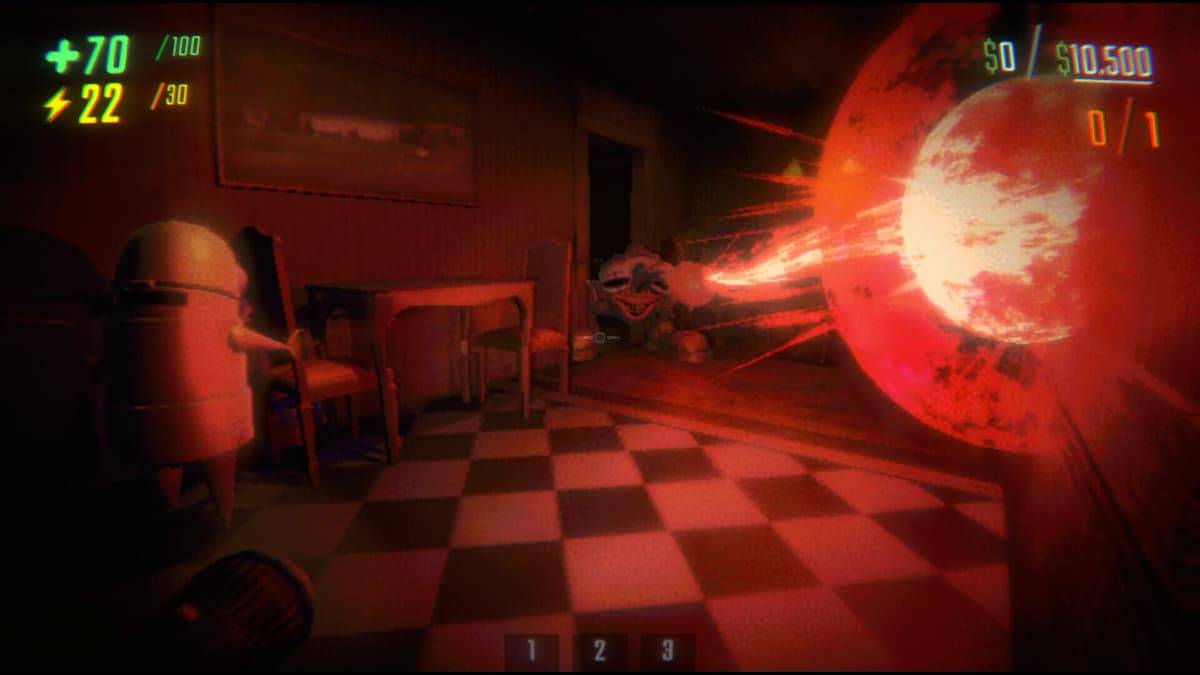
If you're a fan of *R.E.P.O.*, the online multiplayer horror game that echoes the thrills of *Content Warning* and *Lethal Company*, you might find the default lobby size of six players a bit limiting. If you've ever wished for a larger squad to tackle the game's challenges, you're in luck. Here's a comprehensive guide on how to use the lobby size mod in *R.E.P.O.* to expand your team.
Installing the More Players Mod in R.E.P.O.
By default, *R.E.P.O.* allows for a generous six players in your lobby. However, if you crave a bigger party, you can achieve this with the More Players mod. Here’s how to get started:
- Download and install BepInEx from Thunderstore, the essential mod framework that enables you to run mods.
- Download the More Players mod from Thunderstore.
- Open the .zip file containing the More Players mod.
- Drag the plugins folder from the .zip file into the BepInEx directory within your game files.
Once these steps are completed, the More Players mod is installed and ready to enhance your gaming experience. Now, let's move on to adjusting the lobby size to suit your needs.
How to Increase Lobby Size
To customize the lobby size in *R.E.P.O.*, you'll need to tweak the config files on your computer. Follow these steps to do so:
- Open the BepInEx config folder on your computer.
- Use Notepad to open the file named zelofi.MorePlayers.cfg.
- Locate the line labeled "Maximum Players" and adjust the number to your desired lobby size.
- Save the changes to the file and then launch the game.
For example, if you wish to host a lobby for eight players, simply change the number to 8. However, be cautious; setting the lobby size too high could lead to game crashes, so make adjustments carefully.
That's the complete process for using the lobby size mod in *R.E.P.O.*. For more tips and detailed information on the game, including strategies to deal with all monsters, be sure to check out The Escapist.