Quick Links
Hyper Light Breaker is shrouded in mystery, with many of its mechanics left for players to discover, enhancing the game's immersive Synthwave roguelite experience. One crucial feature to master is the lock-on system, which serves as the game's targeting mechanic.
While locking onto a target can help maintain focus on a single enemy, it's not always the best strategy. The lock-on feature in Hyper Light Breaker is ideally used in specific one-on-one situations. This guide will walk you through how to target enemies and provide insights on when to use the lock-on feature versus the default free camera mode.
How To Target Enemies In Hyper Light Breaker
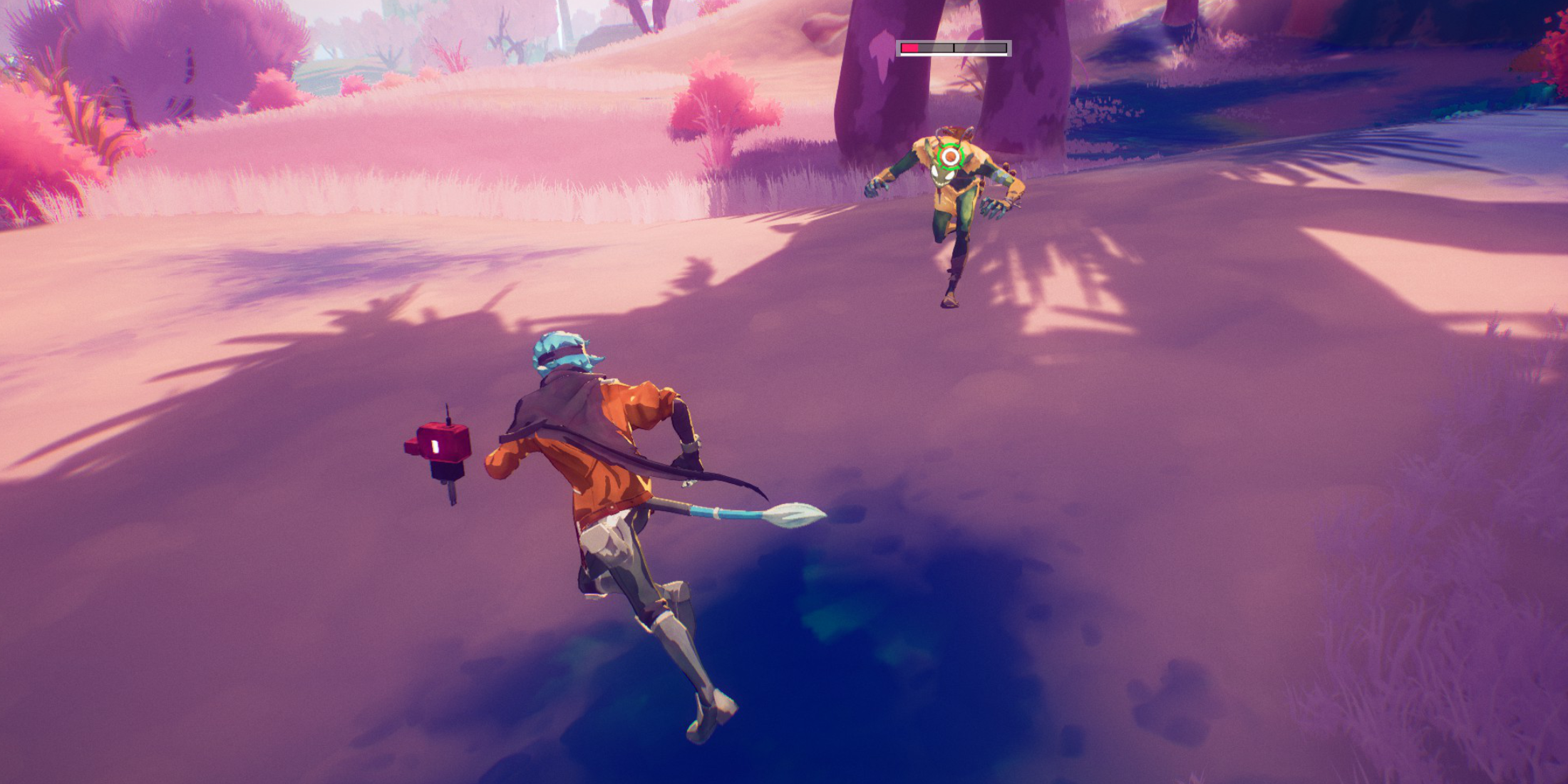 To target a specific enemy, center your view on the target and press in the right analog stick (R3) on your controller. The game will automatically select the correct target, even within a large group of enemies. Your view will slightly zoom in, and a reticle will appear around your target.
You don't need a direct line of sight to lock onto an enemy; as long as they're visible on-screen and within range, you can target them.
When locked on, Hyper Light Breaker adjusts your character's movement to keep the camera focused on the target. This can lead to circling movements around the target, and fast-moving enemies can cause rapid camera shifts, potentially altering your character's direction mid-movement.
To switch targets while locked on, simply move the right analog stick left or right. The reticle will jump to the nearest enemy within range. To cancel the lock-on and revert to the default third-person camera mode, press the right analog stick again. This control can be customized in the game's settings. If you move too far from your target, the lock-on will automatically disengage.
When Should I Lock On vs Use Free Cam?
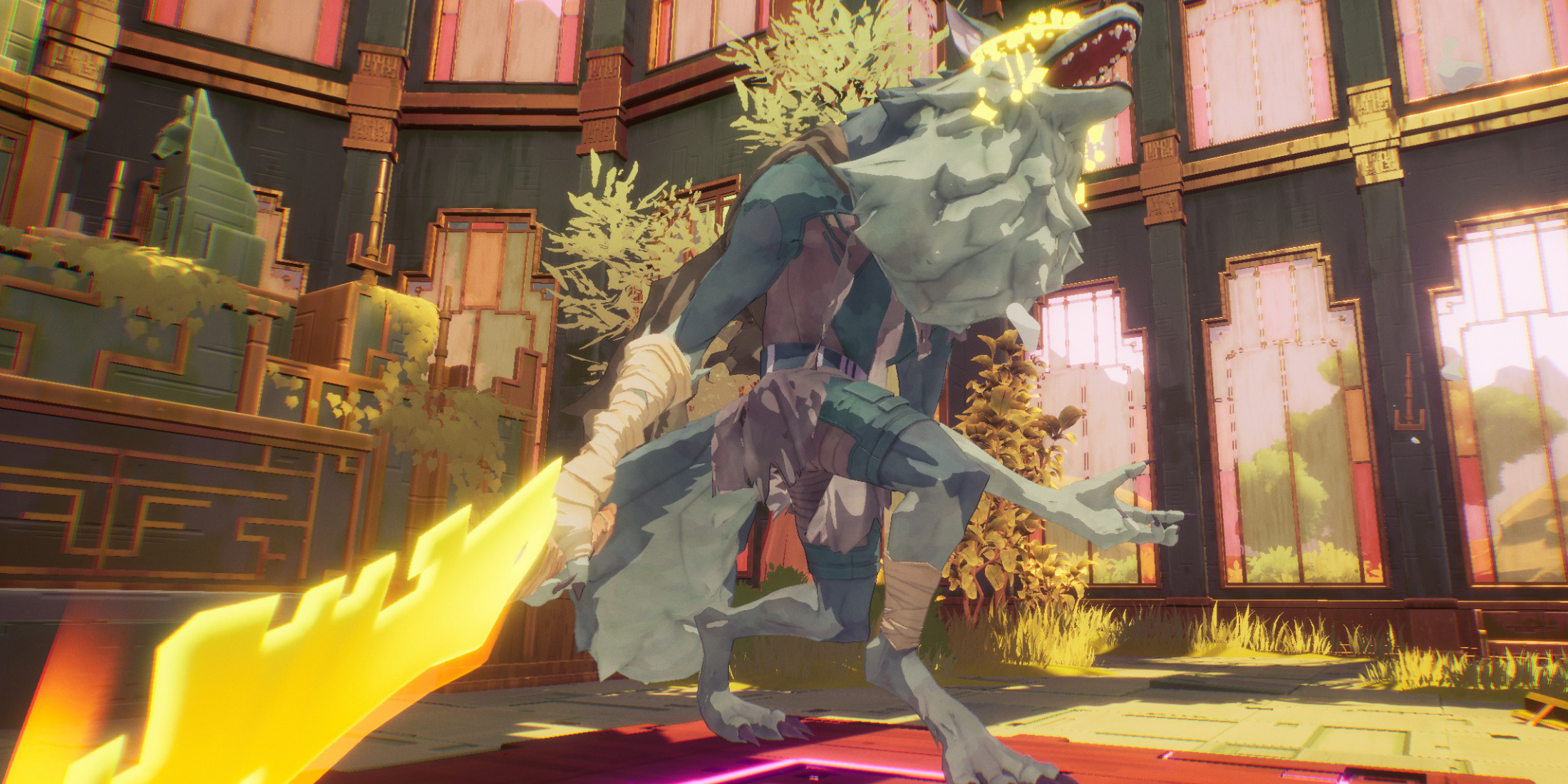 Locking on is advantageous in certain scenarios but can be risky and restrictive in others. Use the lock-on feature during one-on-one battles, such as against bosses or strong enemies with yellow health bars, but only after clearing out other mobs.
The camera's exclusive focus on one target can leave you vulnerable to attacks from other enemies in your blind spots, making group encounters more challenging.
For most of the game, the free camera mode is more beneficial. When facing multiple or weaker enemies that you can dispatch quickly, there's little need to lock on, as it can limit your situational awareness and reaction time.
However, when facing a mini-boss or boss after clearing out all other threats, lock on to keep them centered on your screen. If additional enemies appear, disengage the lock-on to handle them, then re-lock on to focus on the boss once they're alone.
For instance, during an Extraction, you'll encounter several waves of regular enemies followed by a mini-boss. The mini-boss might spawn while minor enemies are still present. In such cases, maintain the free camera until all regular enemies are cleared, then lock onto the mini-boss for a focused attack.